It Is Never Too Late to Feel Confident with Technology
Learn computer, office and AI skills slowly, patiently and step by step. No pressure. No embarrassing questions. Just practical help for everyday life.
Find My Starting Level Speak to Us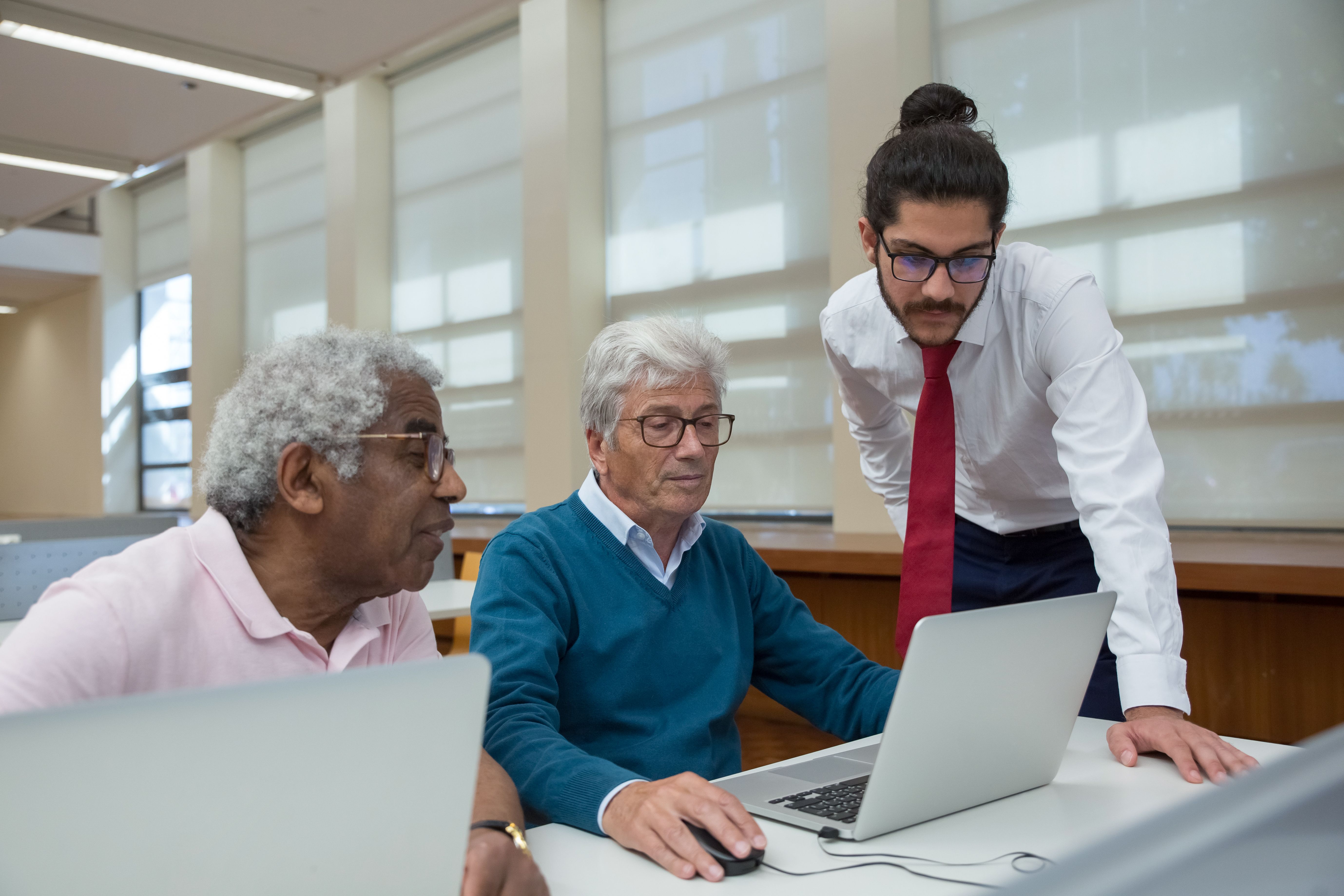
Technology Should Make Life Easier, Not Make You Feel Left Behind
Many adults depend on their children or friends for simple digital tasks. Some are afraid of clicking the wrong button. Others feel embarrassed to ask again.
This course is designed to replace that fear with confidence. You will learn in a calm, respectful environment where every step is explained in simple language.
Different Lives. Different Reasons to Learn.
Our programme connects digital skills to the things that matter in everyday life.
Seniors and Retirees
Stay connected with family, access useful services, avoid online scams and enjoy a more independent life.
Learn with dignity and confidence.Homemakers
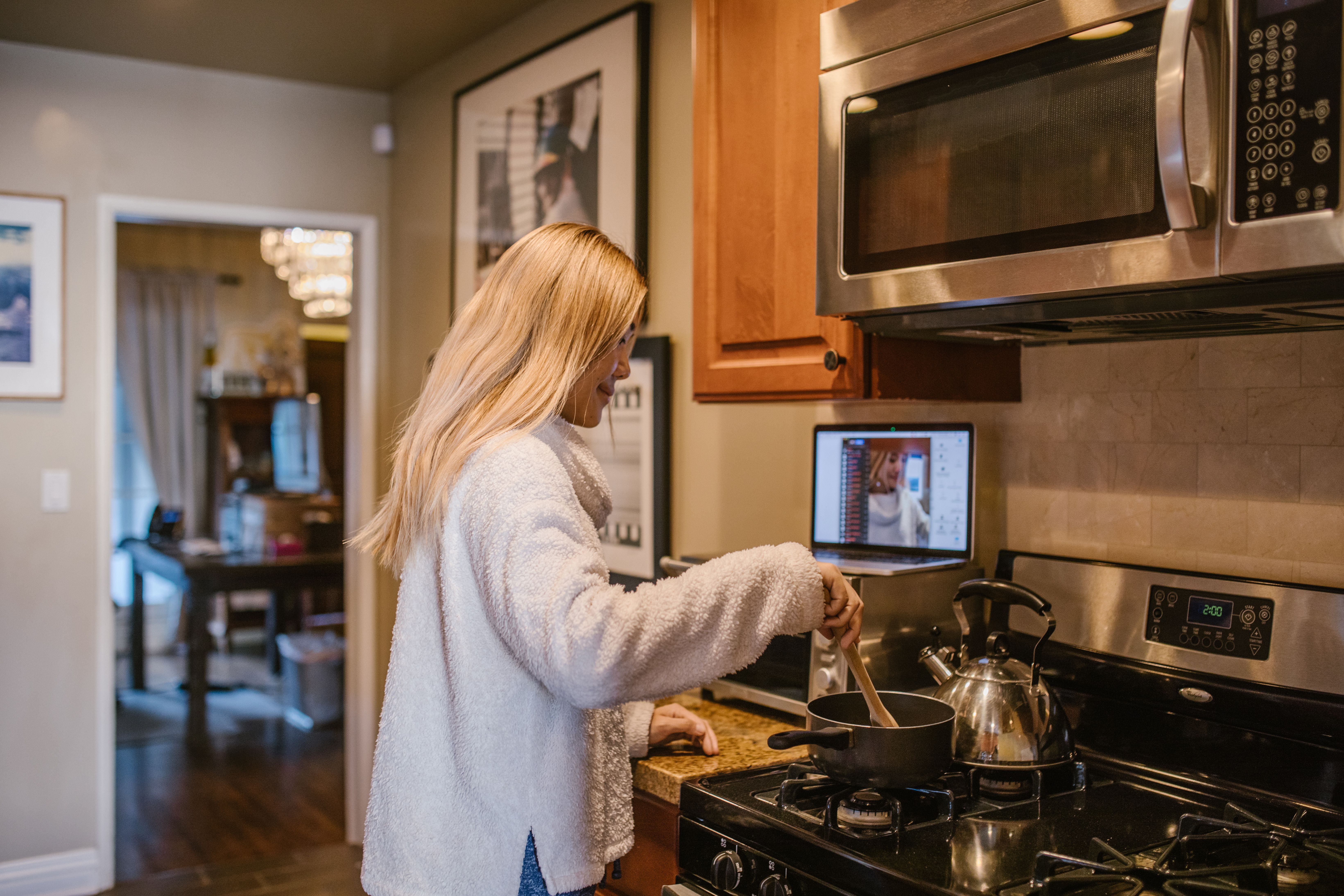
Manage household information, communicate online, learn new skills and explore home-based opportunities.
Turn spare time into useful skills.Adults Returning to Work
Refresh your computer knowledge, learn office tools and build confidence for work, volunteering or small business.
Take your next step with confidence.Start Where You Are. Progress at Your Own Pace.
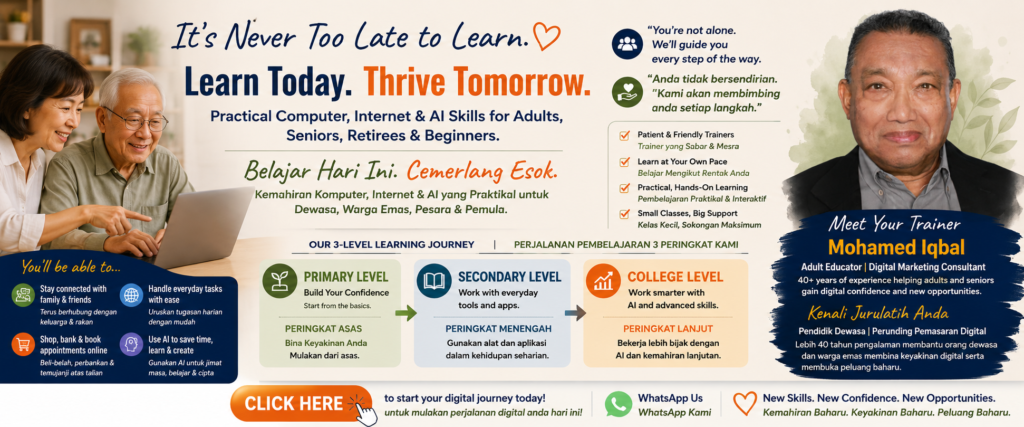
Each level contains three friendly, practical sessions of three hours each.
Primary Level
For complete beginners and anyone who feels nervous around computers.
- Session 1: Mouse, keyboard, Windows and simple typing
- Session 2: Internet, Google, email and files
- Session 3: Online services, Zoom, AI and online safety
Use a computer more independently in everyday life.
Secondary Level
For learners who know the basics and want to do useful work.
- Session 1: Microsoft Word and PDF documents
- Session 2: Excel for simple lists and household budgets
- Session 3: PowerPoint, cloud storage and file sharing
Create, organise and share useful documents.
College Level
For learners who want to work smarter, create and explore opportunities.
- Session 1: ChatGPT and practical AI tools
- Session 2: Canva, presentations and content creation
- Session 3: Google Workspace, collaboration and productivity
Use modern digital tools to produce better work faster.
From Dependence to Digital Independence
This is not about becoming a computer expert. It is about becoming confident enough to manage your own digital life.
Learn to use
Learn to work
Learn to create
Use Technology for the Things That Matter to You
Digital skills can help you remain connected, organised, informed and productive, whether you are at home, retired, looking for work or starting something new.
Learn Without Fear or Embarrassment
Mohamed Iqbal is an experienced adult educator and digital marketing consultant. His teaching uses simple English, patient demonstrations and practical exercises. The focus is not on technical jargon. The focus is helping learners succeed.
Common Questions
I have never used a computer. Can I join?
Yes. The Primary Level is designed for complete beginners.
Will the trainer go slowly?
Yes. Every step is demonstrated clearly, and learners are given time to practise.
Am I too old to learn?
No. The programme is designed especially for adult learners, including seniors and retirees.
Must I complete all three levels?
No. You may begin with one level and continue when you feel ready.
Do I need to bring a laptop?
Please contact us to confirm whether learners should bring their own laptop or whether equipment will be provided.
Your Next Chapter Can Begin with One Simple Click
Tell us what you already know. We will help you choose the most comfortable starting level.
Register Your Interest WhatsApp Kami